Free Project & Job Costing Timesheet
Multi-tab workbook: pick jobs & work codes from dropdowns, track mileage and out-of-town days.
Best for: Field teams, contractors, and agencies tracking time and costs by job
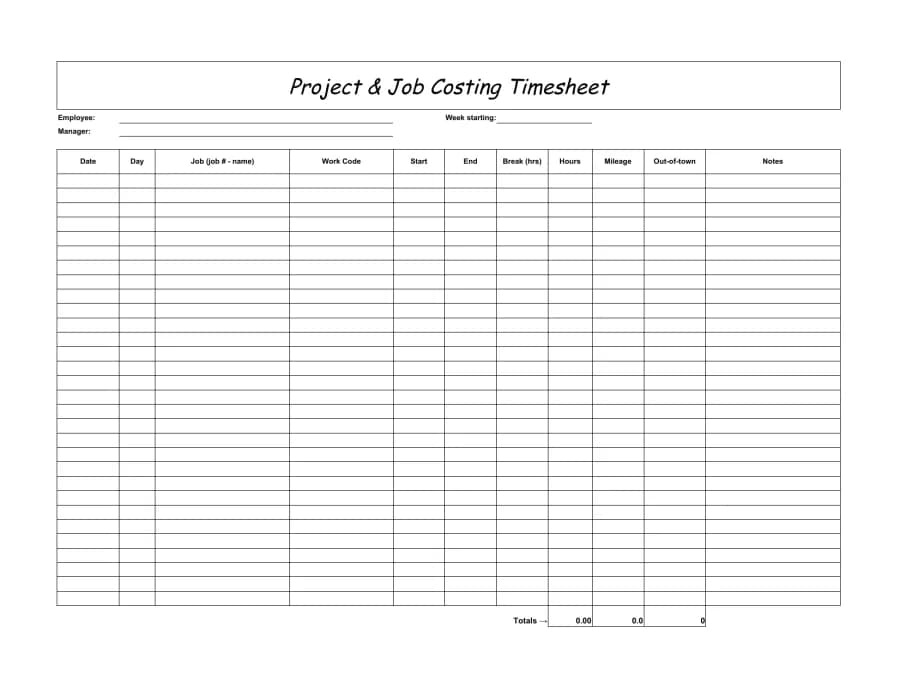
A four-tab Excel & Google Sheets workbook built for job costing. Set up your Clients, Jobs, and Work Codes on their own tabs, then on the landscape Timesheet pick a job (shown as "1001 - Website Redesign") and a work code straight from dropdowns. It captures mileage and an out-of-town flag for meal allowances, and auto-calculates hours, per-job totals, and a full reimbursement summary.
What's included
How to use it
- Fill in the Clients, Jobs, and Work Codes tabs first — the Timesheet dropdowns read from them.
- On the Timesheet, choose a job and work code from the dropdowns; hours calculate from start/end minus breaks.
- Enter mileage per line and mark out-of-town days "Yes" — the summary tallies mileage and meal-allowance reimbursement.
Ready to ditch the spreadsheet?
BizyClock tracks time automatically — clock in from a phone or shared kiosk, approve timesheets, and run payroll reports without a single formula.
Get the free template
Tell us where to send it and we’ll email your Excel & Google Sheets copy.