Painting contractors
Time tracking for painters
Clock crews in right at the job, cost every hour to the project, and turn field time into payroll without the paper.
Published · Updated
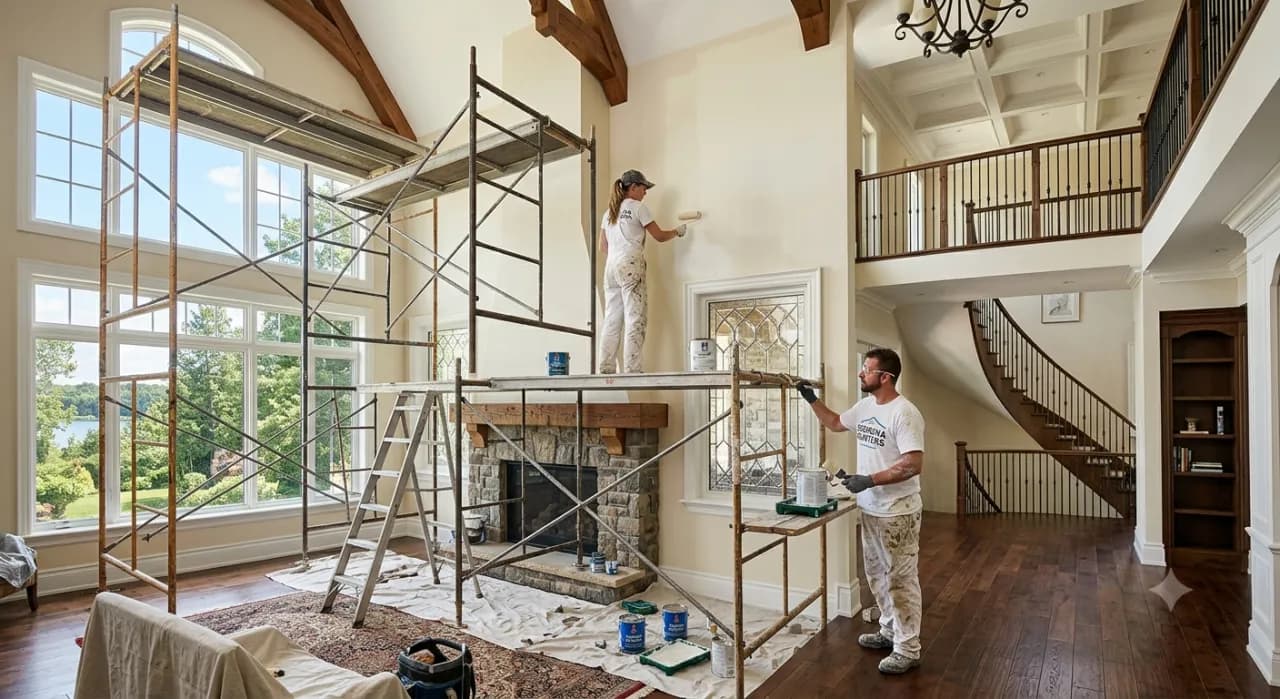
Painting is bid by the job but paid by the hour, so if you cannot see labor as it accrues, a job can eat its margin before you notice. BizyClock lets your crews clock in on site by phone with GPS or on a shared kiosk with a PIN, tags every hour to the job, and turns field time into payroll-ready hours automatically — so you watch actual labor against the bid and learn which jobs pay off.
What painting crews lose to paper time cards
- A job quietly running over on labor before the work is done.
- Crews spread across sites with hours logged from memory.
- Guessing which job types and crews actually make money.
- Re-keying stacks of cards into payroll every week.
How BizyClock helps painting contractors
Clock in on the job site
Crews clock in from the mobile app with optional GPS capture, or from a shared shop kiosk with a quick PIN — whatever fits the crew.
Watch labor against the bid
Hours tag to the job and work code, so labor cost rolls up per project and you can compare actual hours to the estimate as the job runs.
Know which jobs pay off
Job-costing reports show labor cost by project and crew, so you learn which work is profitable and bid the next one smarter.
Bid vs. actual, every payday
Approved hours export as payroll-ready decimal figures alongside the job's labor cost — so payday and "did this job come in under the bid?" get answered by the same report.
Painting crews fit the Team plan for kiosk and PIN sign-in on a shared shop tablet, and the Business plan to add job costing, budgets, and per-job labor reports. GPS capture is available on every plan and is owner-controlled and off by default. Every plan carries a 30-day money-back guarantee, and a one-time Lifetime Deal is available for a limited time.
See BizyClock in action
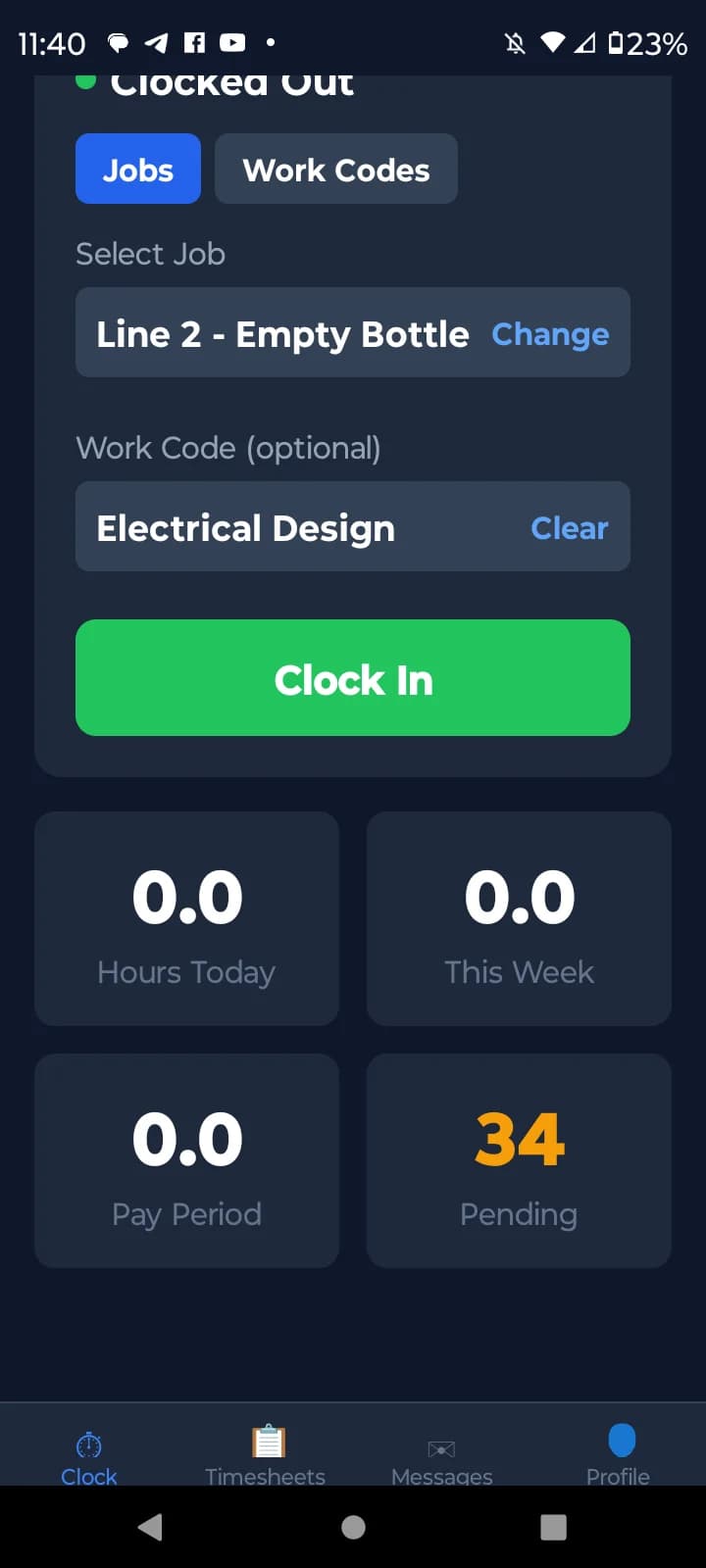
Clock in on site with GPS
Crews clock in from their phone with optional GPS capture — you get a verified location and time for every shift in the field.
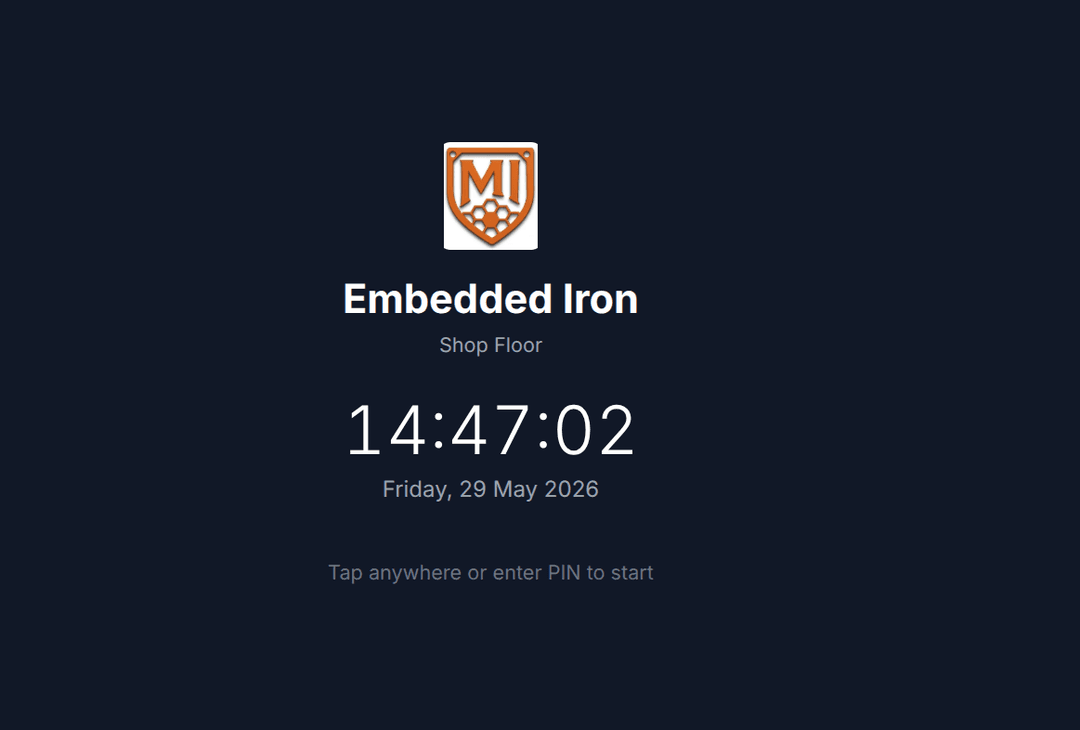
Shared kiosk with a PIN
Set a tablet at the shop and the crew clocks in with a quick PIN before they head out — no logins, no app on every phone.
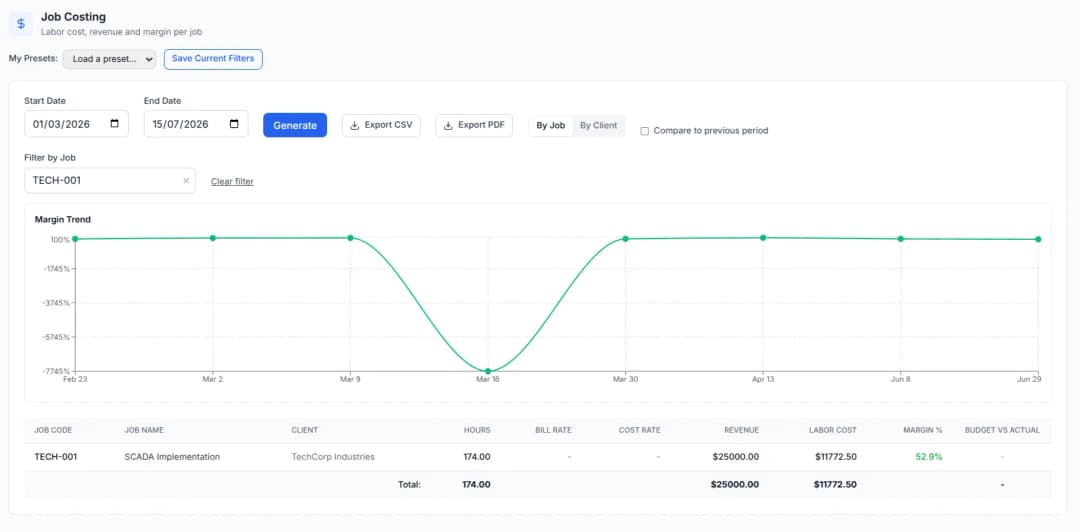
Watch labor against the bid
Hours tag to the job and work code, so labor cost rolls up per project and you see whether a job came in under the bid.
Free tools you might like
Timesheet Calculator
Add up a full week of clock-in/clock-out times with lunch breaks and overtime — the free timecard & work hours calculator.
Payroll Hours Calculator
Turn a week of hours into gross pay with overtime and clean decimal hours ready for QuickBooks or Gusto.
Overtime Rules by State
Look up daily and weekly overtime thresholds and multipliers for any US state or Canadian province, with official-source links.
Painters time tracking — FAQ
How do painting contractors track labor against a fixed bid?
Crews clock in on site — by mobile app or a shared kiosk — and hours tag to the job, so labor cost accrues against the bid in real time instead of surfacing as a surprise once the job wraps.
Does BizyClock have GPS clock-in?
Yes. Optional GPS capture at clock-in and clock-out is available on every plan, owner-controlled and off by default, so you decide whether to use it on a given crew.
Can a crew clock in from one tablet at the shop each morning?
Yes. Kiosk mode on the Team plan and up lets a crew clock in on a shared tablet with a quick PIN before heading to the job — no individual app logins needed.
Can I tell whether a job came in under or over the bid?
On the Business plan, hours tagged by job and work code roll up into job-costing reports with budget-vs-actual, so you see exactly how labor stacked up against the bid — while the crew is still on the job, not after.
Protect your margin on every job
BizyClock clocks painting crews in on site with GPS or a PIN kiosk and costs every hour to the job — so you catch overruns early, bid smarter, and run payroll from real field data.
30-day money-back guarantee. No questions asked.