Landscaping & lawn care
Time tracking for landscapers
Clock crews in at each property, cost every hour to the job or route, and turn field time into payroll without the paper.
Published · Updated
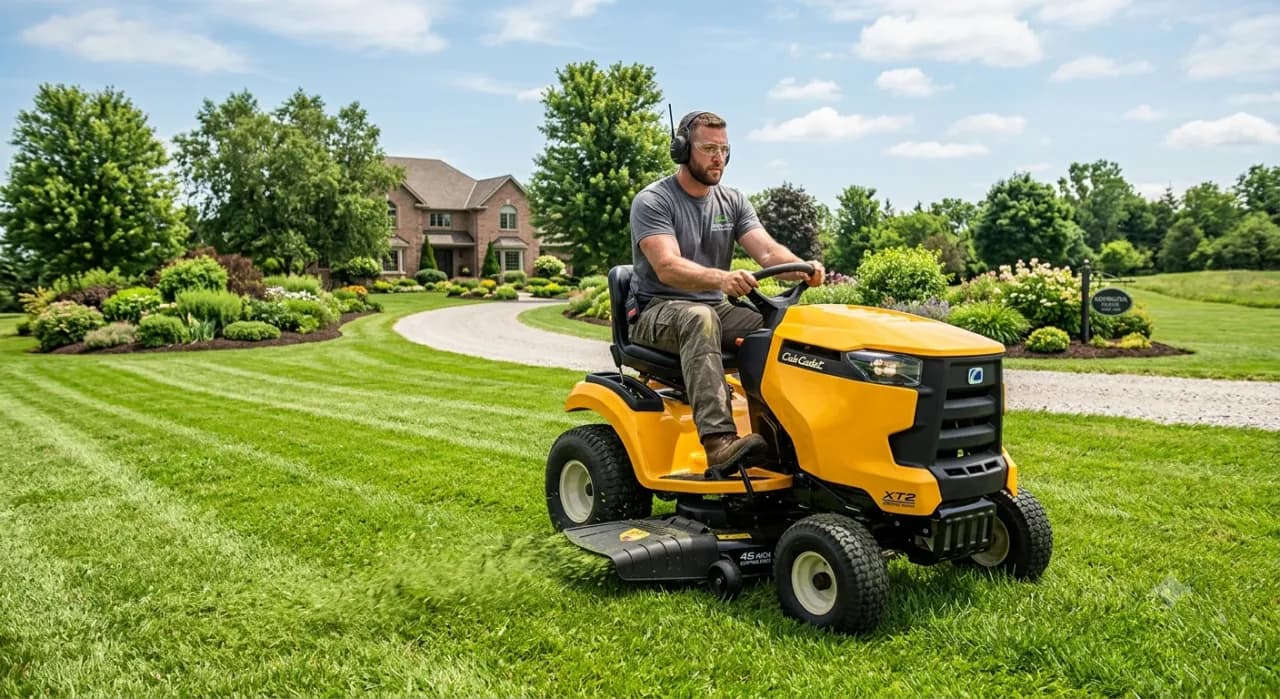
Landscaping crews hit several properties a day, and paper time cards make it impossible to know what any one job actually cost in labor. BizyClock lets crews clock in at each property by phone with GPS or on a shared kiosk with a PIN, tags every hour to the job or route, and turns field time into payroll-ready hours automatically — so you know which properties and routes are profitable.
What landscaping crews lose to paper time cards
- No idea which properties or routes are actually profitable.
- Several stops a day with time logged from memory at the end.
- Seasonal crews and hours that are slow to total for payroll.
- Re-keying stacks of cards into payroll every week.
How BizyClock helps landscaping crews
Clock in at each property
Crews clock in from the mobile app with optional GPS capture at every stop, or on a shared yard kiosk with a quick PIN before they roll out.
Cost hours to the job or route
Hours tag to the property, job, or route and work code, so labor cost rolls up where the work happened and you see what each one costs.
Multi-property jobs, organized
Multi-level jobs let you track a route down to individual properties, so a crew’s day breaks out cleanly across every stop.
Route payroll, done for you
Approved hours — already broken out by property or route — export as payroll-ready decimal figures, so a multi-stop day turns into clean payroll instead of a pile of hand-written stops.
Landscaping crews fit the Team plan for kiosk and PIN sign-in on a shared yard tablet, and the Business plan to add job costing, budgets, and per-job labor reports. GPS capture is available on every plan and is owner-controlled and off by default. Every plan carries a 30-day money-back guarantee, and a one-time Lifetime Deal is available for a limited time.
See BizyClock in action
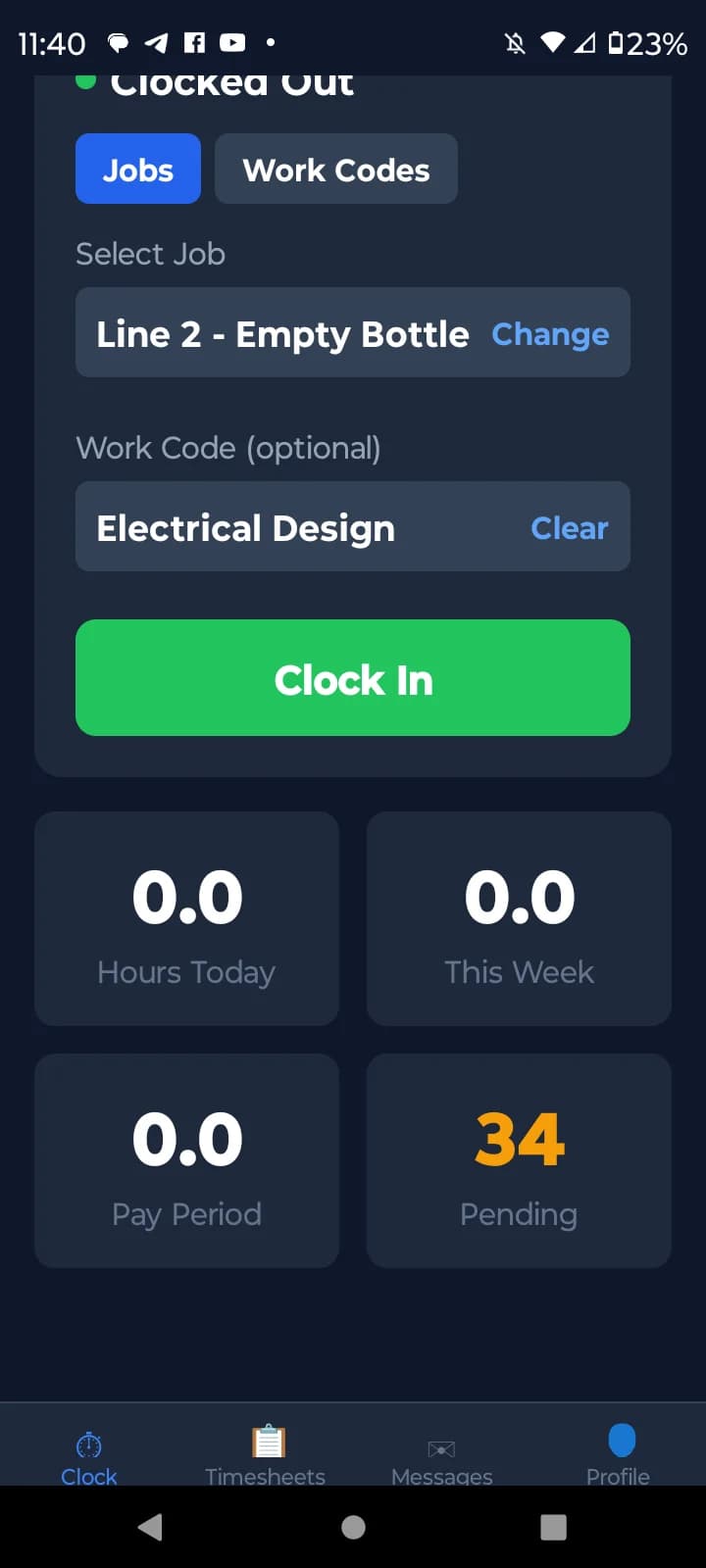
Clock in on site with GPS
Crews clock in from their phone with optional GPS capture at every stop — you get a verified location and time for each property.
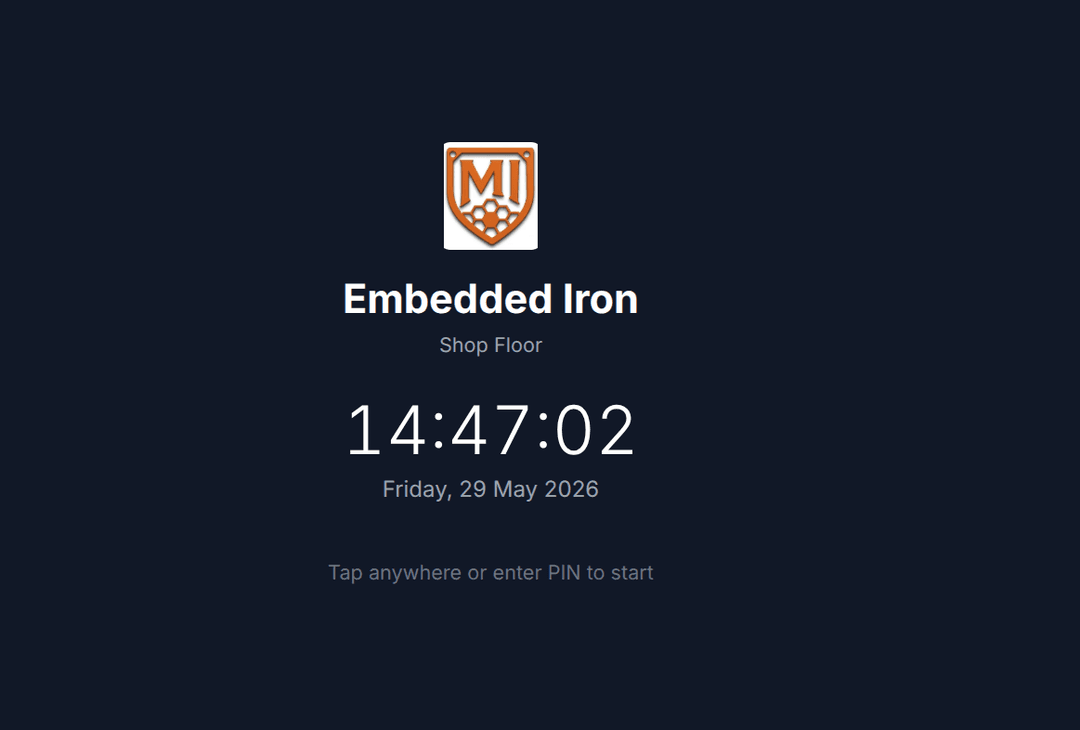
Shared kiosk with a PIN
Set a tablet at the yard and the whole crew clocks in with a quick PIN before they roll out — no logins, no app on every phone.
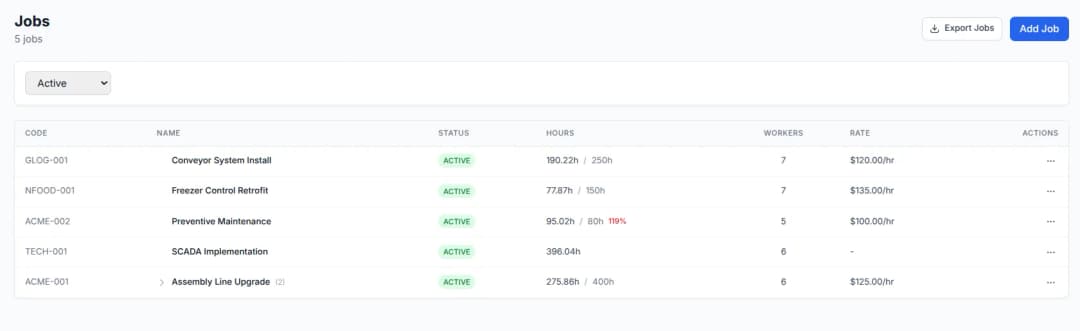
Multi-property jobs, organized
Multi-level jobs track a route down to individual properties, so a crew’s day breaks out cleanly across every stop.
Free tools you might like
Timesheet Calculator
Add up a full week of clock-in/clock-out times with lunch breaks and overtime — the free timecard & work hours calculator.
Payroll Hours Calculator
Turn a week of hours into gross pay with overtime and clean decimal hours ready for QuickBooks or Gusto.
Overtime Rules by State
Look up daily and weekly overtime thresholds and multipliers for any US state or Canadian province, with official-source links.
Landscapers time tracking — FAQ
How do landscaping companies track hours across a multi-stop route?
Crews clock in at each property — by mobile app or a shared yard kiosk — and hours tag to the job, property, or route, so a multi-stop day breaks out cleanly instead of blending into one number.
Does BizyClock have GPS clock-in?
Yes. Optional GPS capture at clock-in and clock-out is available on every plan, owner-controlled and off by default — useful for confirming a crew reached a property on a route.
Can the whole crew clock in from one kiosk before rolling out?
Yes. Kiosk mode on the Team plan and up lets a crew clock in on a shared tablet at the yard with a quick PIN before the trucks leave — no phone app required for every crew member.
Can I see which properties or routes are actually profitable?
On the Business plan, hours tagged by job, property, or route roll up into job-costing reports with budget-vs-actual, so you can see labor cost per stop and which routes are worth keeping.
Know your labor cost on every property
BizyClock clocks landscaping crews in at each stop with GPS or a PIN kiosk and costs every hour to the job or route — so you learn which properties pay off and run payroll from real field data.
30-day money-back guarantee. No questions asked.