Janitorial & cleaning companies
Time tracking for janitorial and cleaning companies
Clock cleaners in at each site with a shared kiosk or GPS, cost every hour to the account, and turn shift time into payroll without the paper.
Published · Updated
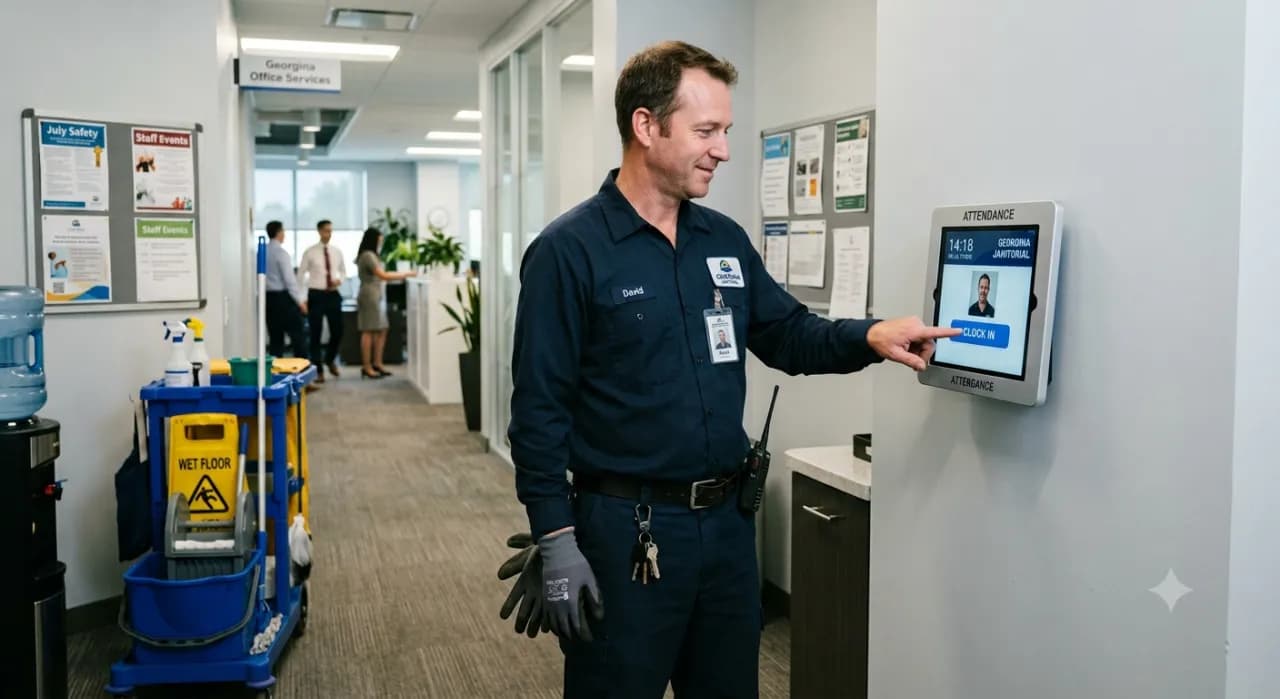
Cleaning crews work scattered sites on off-hours, and paper time cards make it hard to prove coverage or know what an account really costs in labor. BizyClock lets cleaners clock in at each site on a shared kiosk with a PIN or by phone with GPS, tags every hour to the account, and turns shift time into payroll-ready hours automatically — so you can bill and pay from an accurate record.
What cleaning companies lose to paper time cards
- No easy proof that a site was covered for the hours contracted.
- Crews spread across many sites on nights and weekends.
- Labor cost per account that is impossible to pin down.
- Re-keying shift hours into payroll every period by hand.
How BizyClock helps cleaning companies
Clock in at every site
Cleaners clock in on a shared site kiosk with a quick PIN, or from the mobile app with optional GPS capture — ideal for scattered accounts and off-hours shifts.
Cost hours to each account
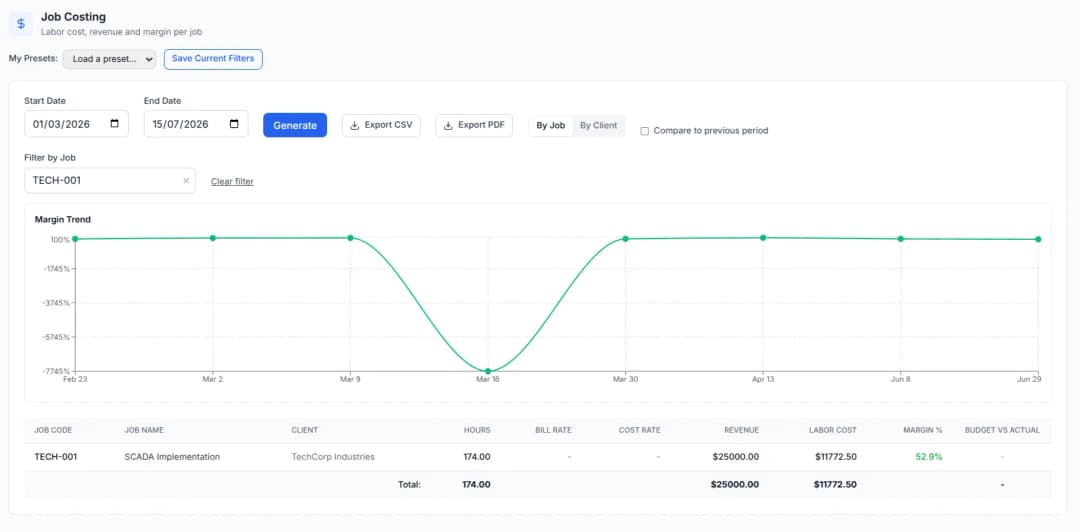
Hours tag to the account and work code, so labor cost rolls up per site and you know what each contract really costs to service.
A coverage record you can show
Every clock-in is timestamped by site, giving you a clean record that a location was staffed for the hours you contracted.
Shift time to payroll, fast
Approved hours export as payroll-ready decimal figures to PDF or CSV — no deciphering handwriting or keying cards one by one.
Cleaning crews fit the Team plan for kiosk and PIN sign-in on a shared tablet at each site, and the Business plan to add job costing and per-account labor reports. Larger operations with many clock-only cleaners fit the Enterprise plan with kiosk users. GPS capture is available on every plan and is owner-controlled and off by default. Every plan carries a 30-day money-back guarantee, and a one-time Lifetime Deal is available for a limited time.
See BizyClock in action
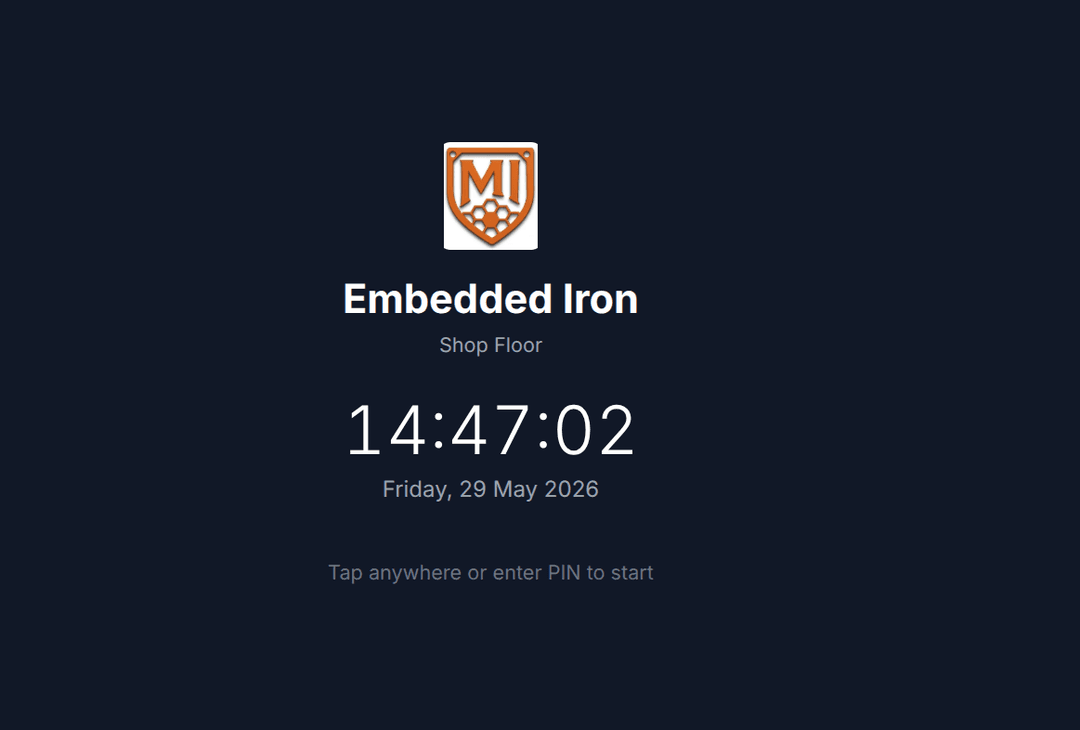
Shared kiosk with a PIN
Put a tablet at each site and cleaners clock in with a quick PIN — ideal for scattered accounts and off-hours shifts, no personal devices needed.
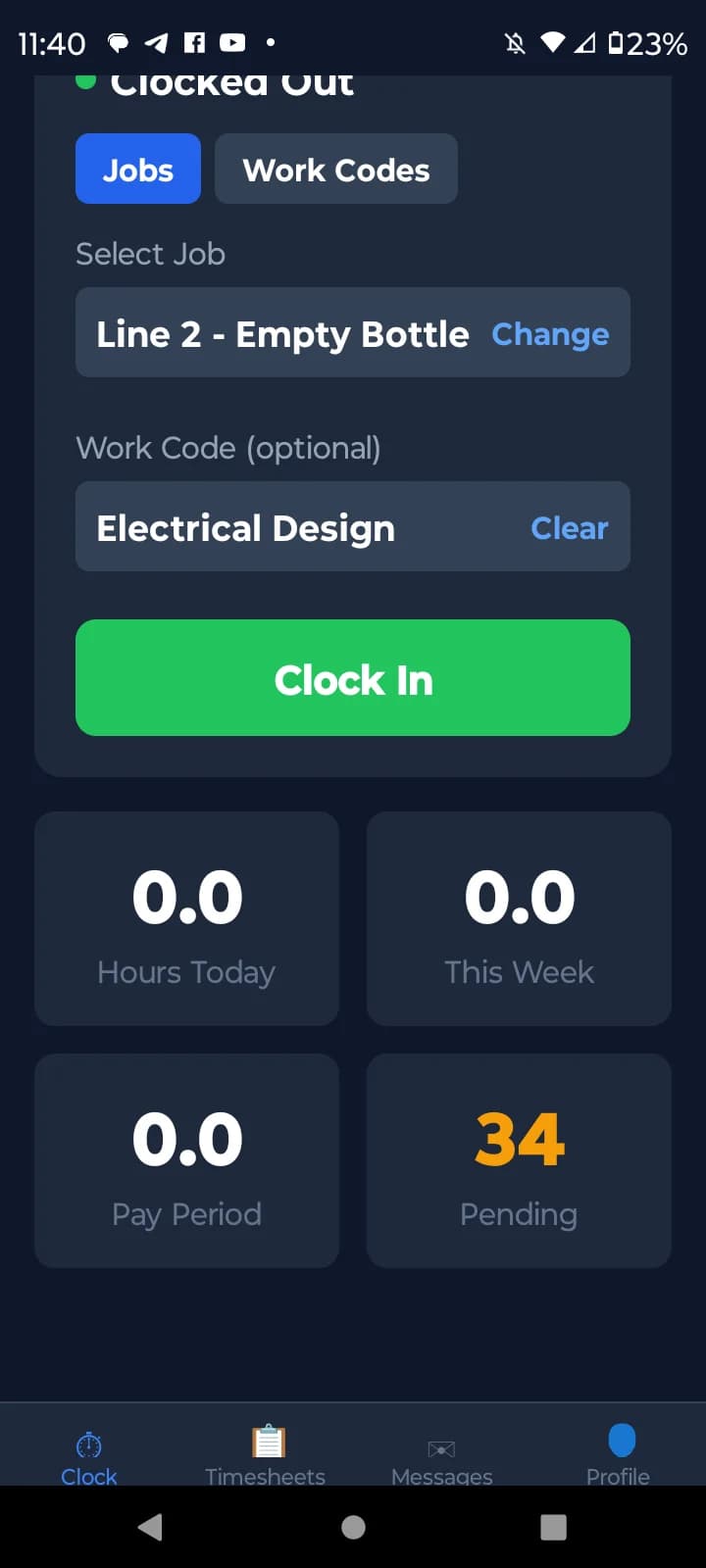
Or clock in by phone with GPS
Cleaners can also clock in from their phone with optional GPS capture, giving you a verified location and time for every shift.
Cost hours to each account
Hours tag to the account, so labor cost rolls up per site and you know what each contract really costs to service.
Free tools you might like
Timesheet Calculator
Add up a full week of clock-in/clock-out times with lunch breaks and overtime — the free timecard & work hours calculator.
Payroll Hours Calculator
Turn a week of hours into gross pay with overtime and clean decimal hours ready for QuickBooks or Gusto.
Employee Cost Calculator
See the true cost of an employee — wages plus payroll taxes, workers’ comp, benefits, and overhead — as a fully-loaded hourly rate.
Janitorial & cleaning time tracking — FAQ
How do cleaning companies track employee hours?
Cleaners clock in and out at each site — on a shared kiosk with a PIN or from the mobile app — and each entry is tagged to the account. BizyClock captures this on site and turns it into payroll-ready hours and per-account labor reports automatically.
Can cleaners clock in on a shared tablet at each site?
Yes. Kiosk mode on the Team plan and up lets cleaners clock in on a shared tablet with a quick PIN — ideal for scattered accounts where staff do not have their own devices.
Does BizyClock have GPS clock-in?
Yes. Optional GPS capture at clock-in and clock-out is available on every plan. It is controlled by the owner and off by default, so you decide whether to use it.
Can I see labor cost per account?
On the Business plan, hours tagged by account roll up into job-costing reports with budget-vs-actual, so you can see labor cost per site and which contracts actually earn their margin.
Prove coverage and know your cost per account
BizyClock clocks cleaners in at each site with a PIN kiosk or GPS and costs every hour to the account — so you can show coverage, price contracts right, and run payroll from an accurate record.
30-day money-back guarantee. No questions asked.