5 Time Tracking Tips for Small Teams

By Steve Holmes, Founder & CEO, Embedded Iron Inc.
1. Start with a Simple System
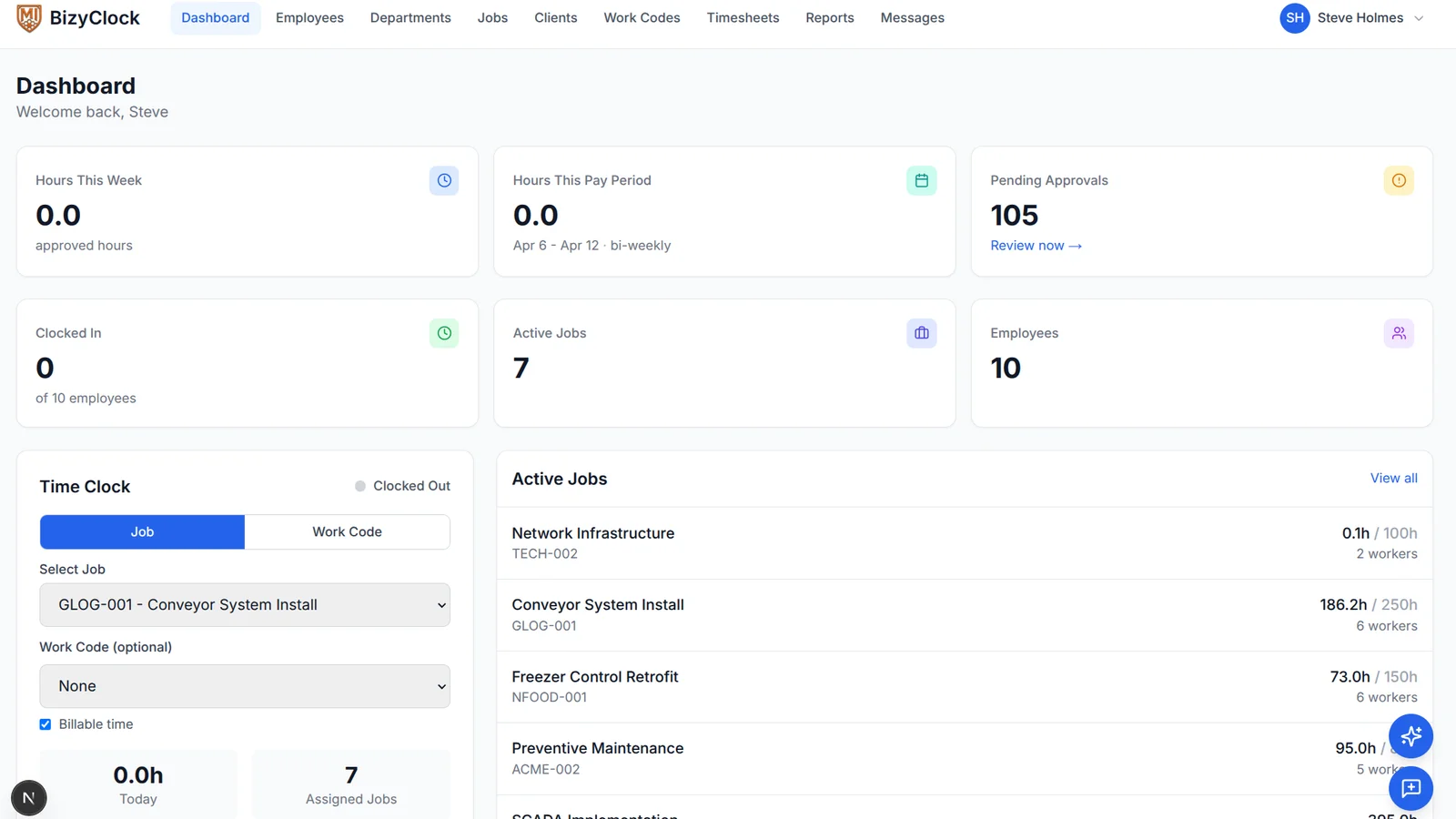
The biggest mistake small teams make is overcomplicating time tracking from day one. You don't need a dozen categories and sub-codes before anyone has clocked in. Start with the basics: who worked, on which job, and for how long. You can always add detail later once the habit is established.
For trade companies running multiple job sites, keep it to one time entry per job per shift. Your crew will thank you, and your records will still be accurate enough for payroll and invoicing.
2. Make It a Habit, Not a Chore
Time tracking works best when it becomes automatic. Encourage your team to clock in the moment they arrive on site -- not at the end of the day from memory. The longer someone waits to record their hours, the less accurate those records become.
A quick tap on a phone or kiosk takes seconds. Reconstructing a full day from memory takes minutes and introduces errors that cost real money.
3. Track in Real Time
Real-time tracking eliminates the guesswork. When an employee clocks in and out as they work, you get precise start and end times that hold up for payroll audits and client billing disputes.
Field workers especially benefit from mobile clock-in. They can start their timer from the truck before they even walk onto the job site.
4. Review Weekly
Don't wait until the end of the pay period to review time entries. A quick weekly check lets you catch missing entries, flag overtime trends, and approve hours while the work is still fresh in everyone's mind.
- Monday morning: review the previous week's submissions
- Approve or flag entries within 24 hours
- Follow up on any missing days immediately
5. Use Mobile-Friendly Tools
Your team is on the move. If the time tracking tool doesn't work well on a phone, it won't get used consistently. Look for a solution that loads fast, works offline, and doesn't require a login dance every time someone needs to clock in.
The best tool is the one your crew will actually use every day without being reminded.